
Written by
Published on
17/7/2026
Reading time
2
min
Manage your building's maintenance easily with the NIVOEX maintenance calendar: a free, practical and collaborative Excel tool.
%20(1).png)
Taking care of your real estate assets has never been easier! To support you day to day in the technical management of your condominium, our team provides clear, interactive and completely free tools. Designed to simplify and structure your efforts, they will help you keep rigorous, direct and hassle-free records. Here is a quick guide to getting the most out of your maintenance calendar and your history table.
Consistent follow-up over 5 years (five-year cycle)
At the heart of your approach is the Excel Maintenance Calendar. We designed this visual tool over a five-year period so you can carry out consistent follow-up over a five-year cycle. This long-term visibility is ideal for anticipating recurring work, planning by season and smoothly recording every inspection.

Maximum flexibility with cloud storage
The Excel format offers unmatched flexibility, especially if you save your file to cloud storage. By placing it on a virtual drive service linked to your email address, whether OneDrive (Microsoft), Google Drive (Google) or iCloud (Apple), your data becomes easy to access and share.

This collaborative approach allows all members of the board of directors and other authorized parties to view and edit the document in real time, from any device, while keeping your valuable building data centralized and secure.
How to keep track day to day?
The calendar clearly lists all recommended tasks (inspections, reminders, technical sheets). For each task, you have one box per month (January to December) for each of the 5 years.
The method couldn’t be simpler: when a task is completed, just write the initials of the person who did the work directly in the box for that month. At a glance, the whole condominium knows what was done, when and by whom.
The easy recipe: adding a custom item
Every building has its own specific features. If you want to add a custom item to meet a particular need, here is a very simple little Excel “recipe”, even for those less familiar with the tool:

Major work and expenses: the History Table
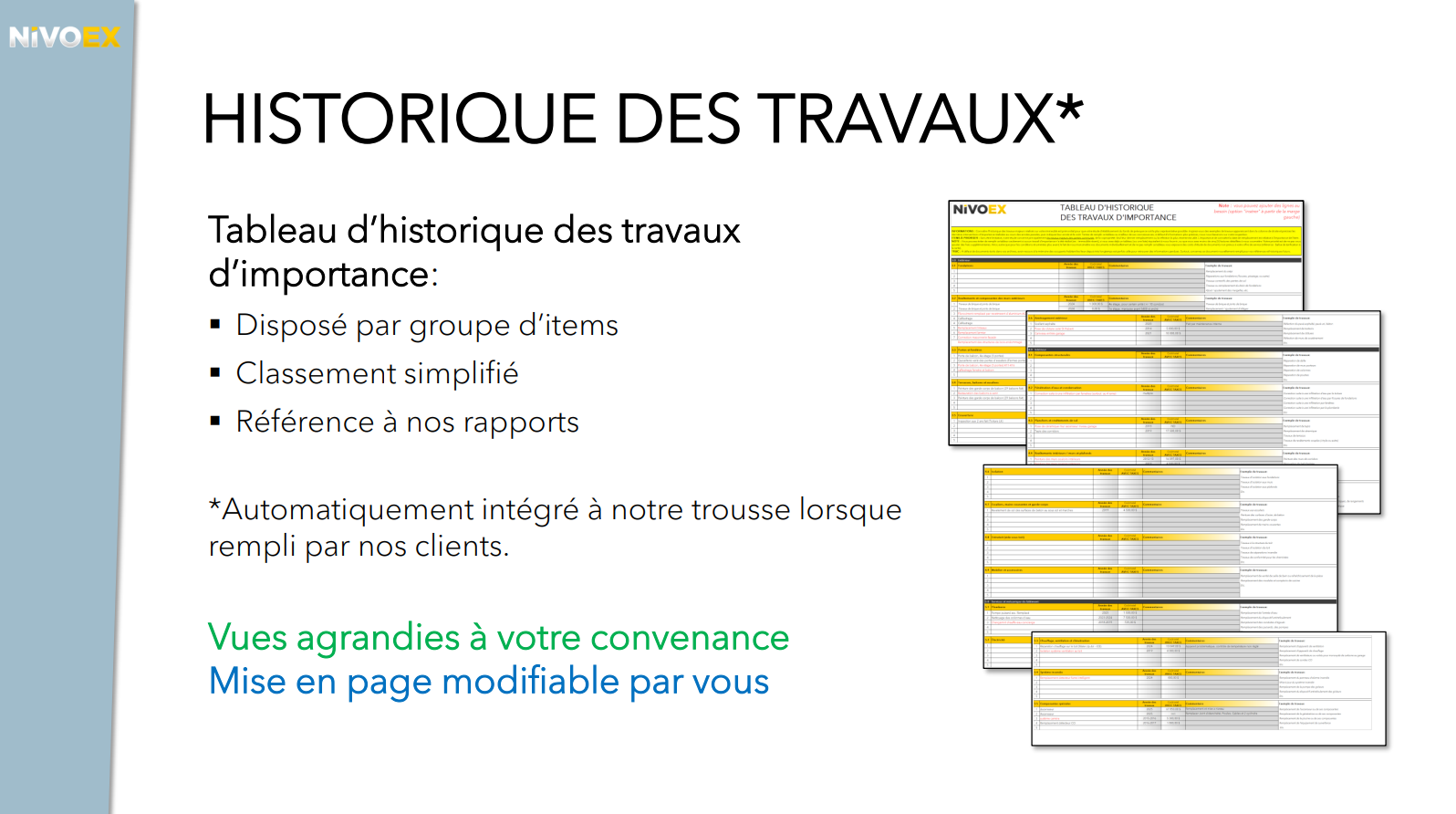
For larger maintenance operations, those outside the routine that involved significant expenses (such as roof replacement, window replacement or foundation work), you should use the History Table of Major Work, also included.
This table lets you record the year of the work, the total cost (including taxes) and your comments. Keeping this data up to date is essential: it adds value to your building’s history and proves invaluable for the future analysis of your contingency fund.
Take charge of your building management!
By combining the clarity of our five-year calendar, the flexibility of shared cloud storage and the rigour of your history table, you now have a true roadmap to protect your investment. Building maintenance is no longer an administrative chore, but a simple, collaborative routine. Start using your tools today, bring your board of directors together, and get off on the right foot with technical follow-up that will add value to your property for years to come!
.jpg)
